How it works
From your bank to the whole picture.
Connect a bank or drop in a file. Three steps, and Walter never sees your bank password.
How it works
Set up in minutes.
- 1
Bring in your accounts
Connect your bank and it stays current on its own, or drop in the CSV your bank already offers. Any bank's file works after a one-time column mapping.
- 2
Walter sorts it out
Rows you already have are skipped, payments between your accounts are matched, and your rules sort the rest.
- 3
See where you stand
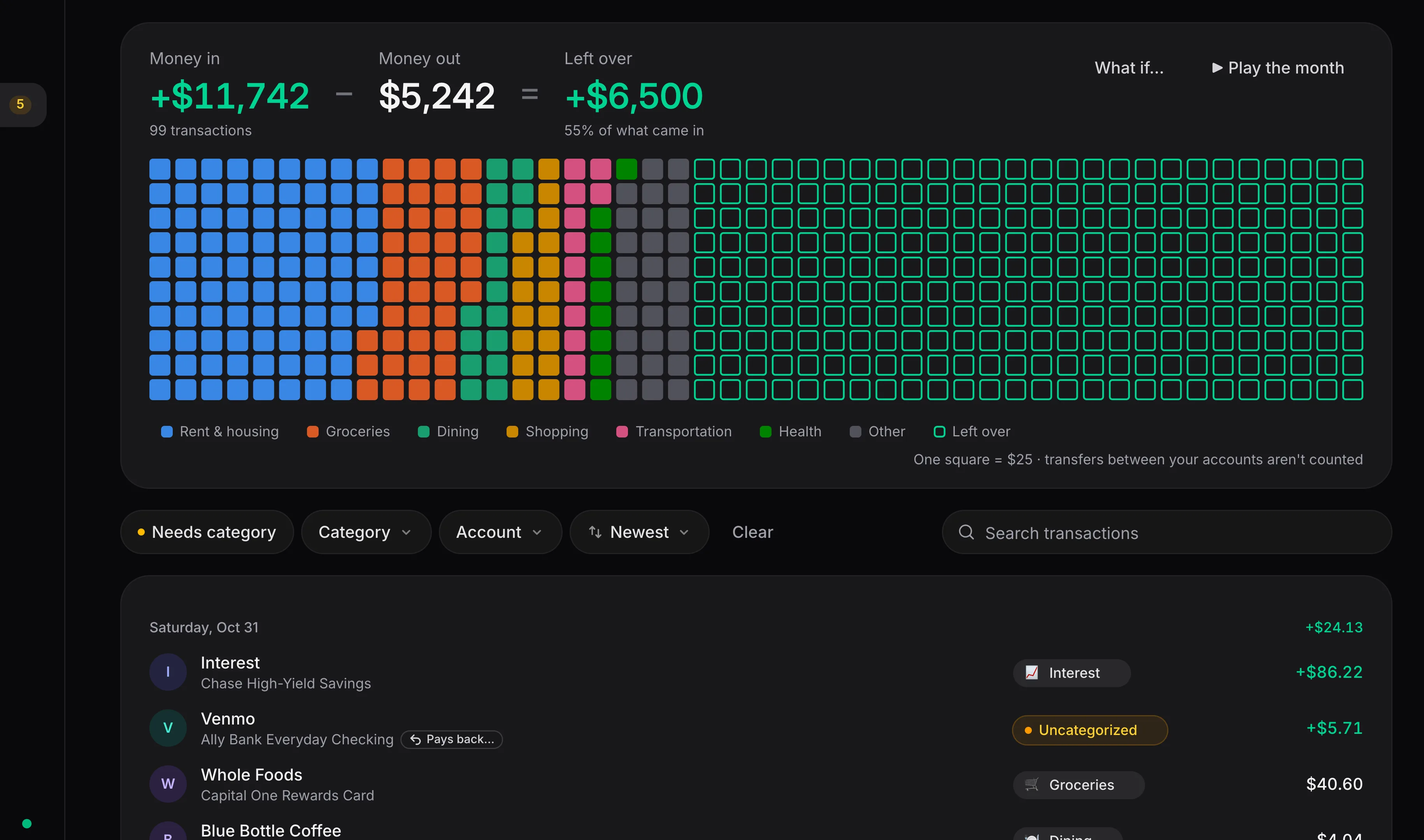
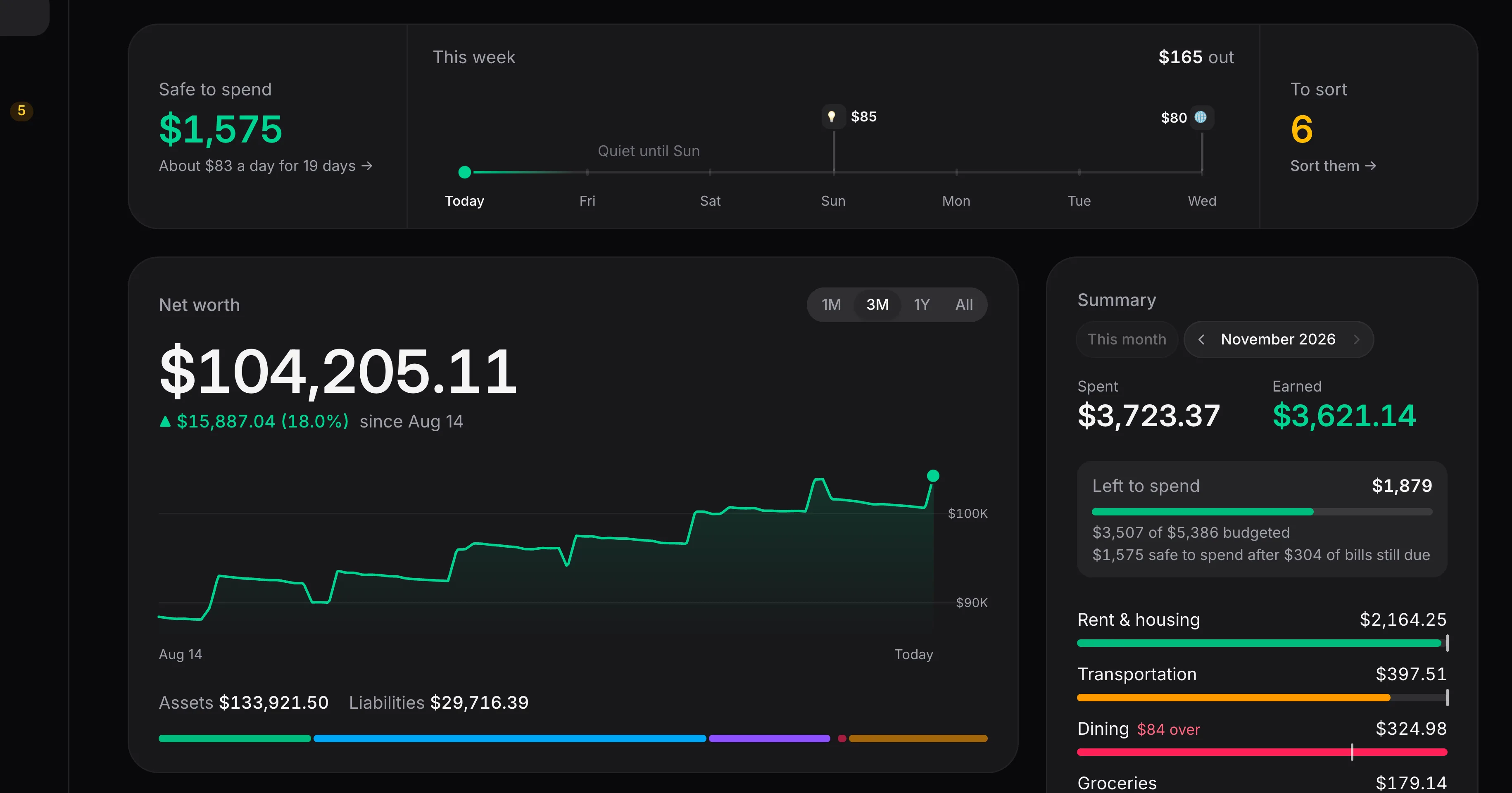
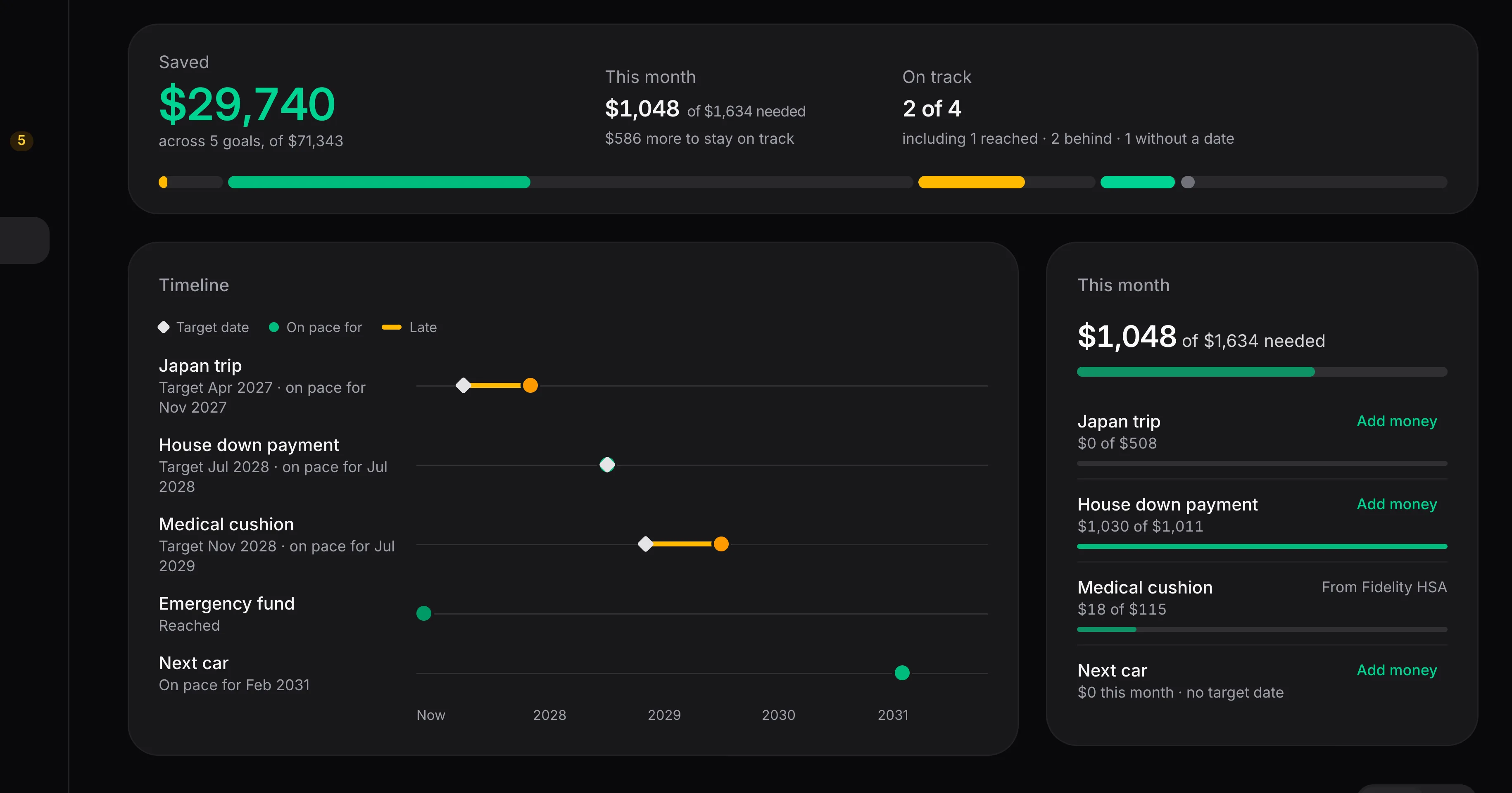
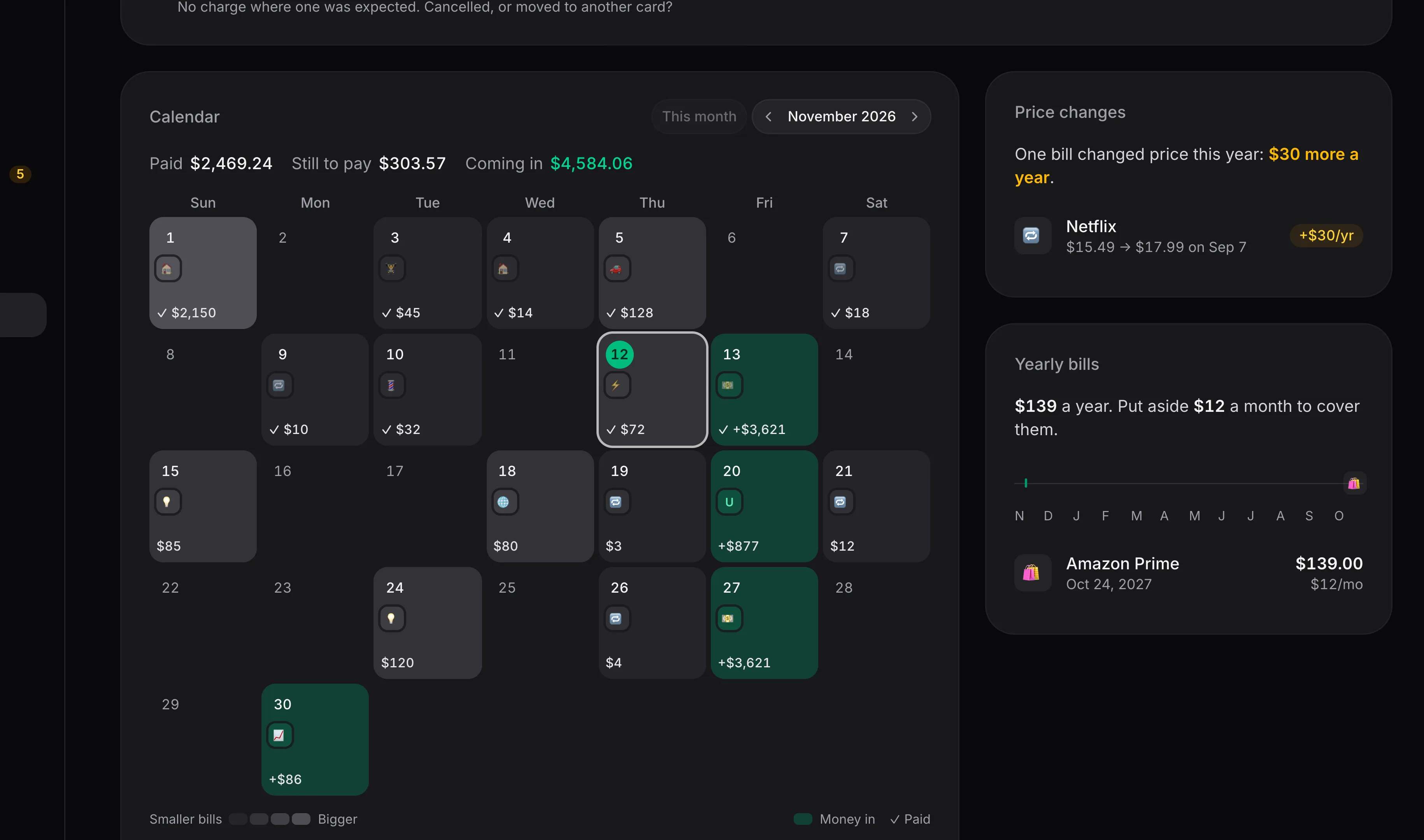
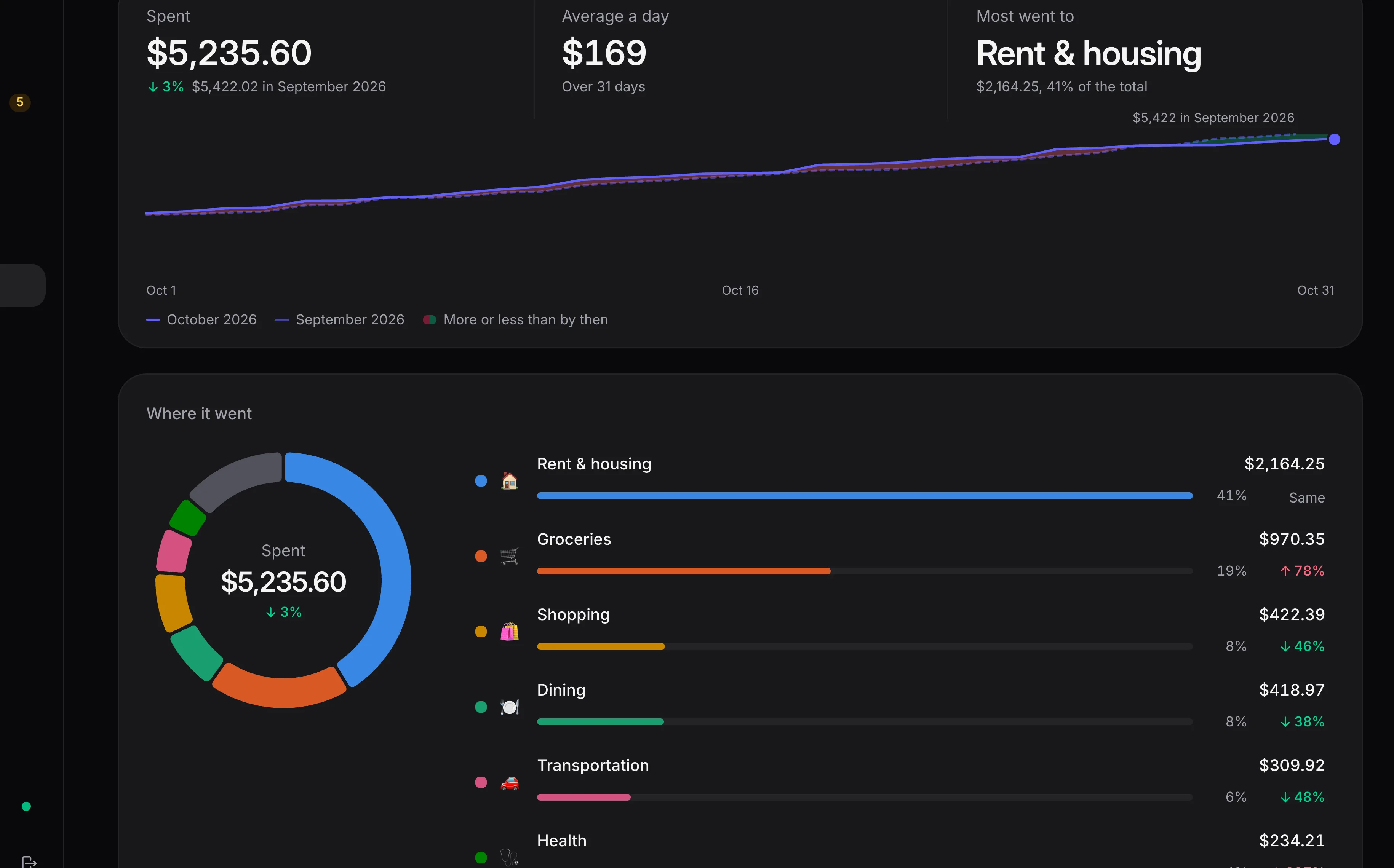
Budgets, bills, cash flow and net worth update as new transactions come in.
Imports · transfers matched
- SSoFi Checking··1234Imported today
- SSoFi Savings··5678Imported today
- CChase Freedom··9012Imported 3 days ago
- + Import a CSV
Your bank password stays with your bank
Connecting goes through Plaid. You sign in with your bank, and Walter never sees the password. Or skip it and import files.
Read-only
Walter reads balances and transactions. It can't move a cent.
Never sold, never shared
No ads and no data brokers. Your numbers are only ever used to show them back to you.
FAQ
Questions, answered.
Want in?
Leave your email and you'll hear back when there's room.